
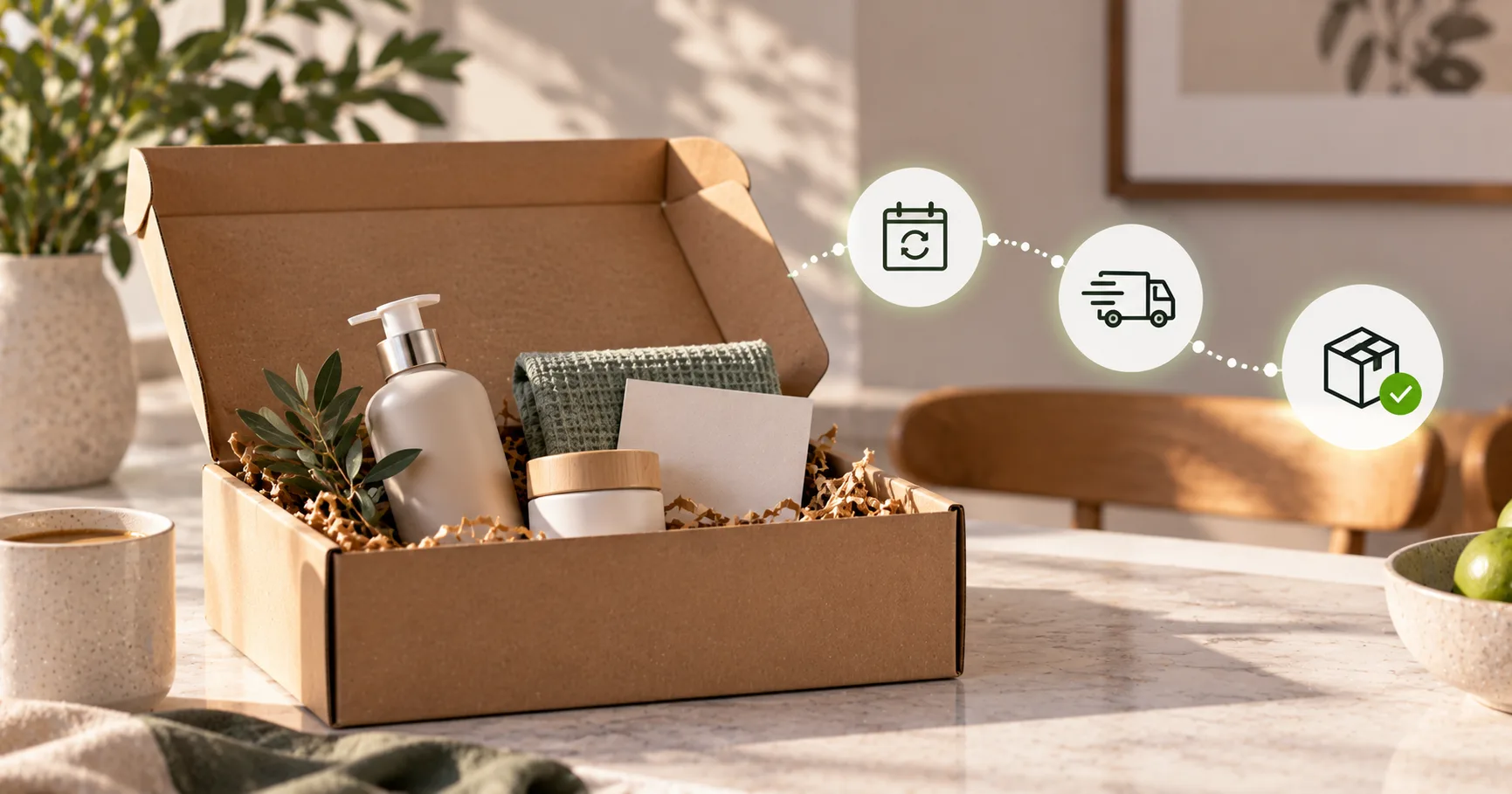
A subscription model turns a one-off purchase into a regular order: coffee every fortnight, skincare every month, a box of something new each quarter. On Shopify it is now built into the platform, with a free Shopify Subscriptions app and a set of subscription features that third party apps also use. This guide explains the main subscription models, how subscriptions work on Shopify, which app to use, the limits to check, and the UK rules that apply. Platform details come from Shopify’s own help centre and developer documentation.
| The short answerYou can sell subscriptions on every Shopify plan. The free Shopify Subscriptions app handles subscribe and save orders that renew weekly, monthly or yearly, with discounts, pause and skip. Third party apps such as Recharge, Skio, Loop and Appstle add more advanced options. Customers need a payment method that supports recurring billing, such as Shopify Payments, PayPal Express, Authorize.net or Adyen, and bundles do not work with the Shopify Subscriptions app. In the UK, the new subscription contract rules under the Digital Markets, Competition and Consumers Act are expected from spring 2027. |
What is a subscription model?
A subscription model charges customers on a schedule and delivers on a schedule, instead of asking them to come back and reorder. Shopify’s own enterprise blog groups eCommerce subscriptions into three types:
| Model | How it works | Suits |
|---|---|---|
| Replenishment | The same product delivered on a regular cycle, usually with a discount for subscribing | Consumables: coffee, pet food, supplements, skincare, cleaning products |
| Curation | A different selection each cycle, chosen for the customer | Discovery and gift boxes: beauty, snacks, books, hobbies |
| Access | A membership that unlocks perks, prices or early access | Brands with loyal repeat buyers and regular new launches |
Shopify’s developer documentation also splits subscriptions by how customers pay. With pay per delivery, often called subscribe and save, a new order is created and charged each cycle. With prepaid, the customer pays once up front, for example for three or six months, and receives deliveries on a regular cadence until the term is fulfilled.
Most brands start with replenishment on a pay per delivery basis, because it is the easiest to explain and the easiest to run.
How subscriptions work on Shopify
Shopify handles subscriptions with a few building blocks that every subscription app uses:
- Selling plans set the delivery, pricing and billing rules, for example “deliver every 30 days, 10% off”. They show as a subscription option on the product page.
- Subscription contracts are created at checkout. Shopify describes them as the agreement between the customer and the merchant for recurring purchases over a set or open ended period.
- Billing attempts charge the stored payment method each cycle. Shopify bills customers the day after the subscription is due, at 10am in the store’s local time, and each successful charge creates a normal order.
Subscription products can be sold on the online store, Shopify POS, the Shop app and custom storefronts. They cannot be added to draft orders, and selling subscriptions through Shopify POS requires Shopify Payments.
Shopify Subscriptions app or a third party app?
Shopify Subscriptions is Shopify’s own app and is free. According to its App Store listing it supports subscriptions to physical and digital products that renew weekly, monthly or yearly, subscribe and save discounts, pause and skip, customisable emails, and it works with checkout, customer accounts, Shopify POS and the admin. It can also import existing subscription contracts from another app. It had a 3.7 out of 5 rating from 843 reviews when we checked in October 2026.
Third party apps such as Recharge, Skio, Loop and Appstle use the same Shopify subscription features underneath, and add their own options on top. Each has different pricing and features, so compare them against your own model rather than a feature list.
| If you need | Start with |
|---|---|
| Simple subscribe and save on a few products | Shopify Subscriptions |
| Subscriptions sold in your shops through POS | Shopify Subscriptions, with Shopify Payments |
| Subscription bundles or build your own boxes | A third party app, since bundles do not work with Shopify Subscriptions |
| Advanced retention tools or complex rules | Compare third party apps against your requirements |
Moving between apps later is possible, because subscription contracts can be imported, but it is still worth choosing carefully at the start. Every change of app is a change your subscribers will notice.
Requirements and limits to check first
Shopify’s help centre lists several things to check before you launch subscriptions:
- Payment providers. Subscriptions need a payment method that supports recurring billing. Shopify lists Shopify Payments, PayPal Express, Authorize.net, Adyen and, for select merchants, Stripe. Availability depends on your region, and local, manual or non card methods might not be available.
- Bundles. Bundles are not compatible with the Shopify Subscriptions app.
- Gift cards. A gift card applies only to the first payment of a subscription.
- Order edits. The order edits API does not support subscriptions.
- Theme. Your theme needs to support sections and blocks, which all Online Store 2.0 themes do.
- Checkout wording. Shopify adds a disclosure at checkout telling customers the subscription renews automatically. Editing the subscription agreement label and consent text is only available on Shopify Plus.
UK rules for subscriptions
The Digital Markets, Competition and Consumers Act 2024 introduces a new regime for subscription contracts. Law firm Herbert Smith Freehills, writing in April 2026, said the regime is due to take effect from spring 2027. The main obligations it describes are:
- Clear information before sign up, including the price, how renewal works and how to cancel.
- Reminder notices before a free or discounted period ends and before renewals.
- Two cooling off periods of 14 days: one when the contract starts and another after a renewal or when a discounted period ends.
- Easy exit, so cancelling is as simple as signing up, and possible online if the customer signed up online.
We are not lawyers, so take advice on your own terms before launch. In practice, the brands that will find the change easiest are the ones that already make pausing, skipping and cancelling simple.
Making a subscription model work
Pick products people run out of. Replenishment works best where the customer would reorder anyway. Look at your order history for products bought repeatedly by the same customers, and at what interval.
Set the default frequency from your data. If most repeat buyers reorder every five weeks, a four week default will feel pushy and a monthly default may be about right.
Make the discount worth it, but sustainable. The discount has to beat the effort of reordering without eating the margin you need to pay for acquisition.
Make pausing easy. Customers who can skip a delivery when they have stock left are less likely to cancel outright, and easy controls will matter more once the UK rules apply.
Plan the emails. Welcome, upcoming order reminders, failed payment recovery and win back emails do most of the retention work. Our Klaviyo agency team builds these flows for subscription brands.
Measure the right things. Track how many subscribers are still active after three and six months, the share of orders that come from subscriptions, and failed payments, not just new sign ups.
Do you need Shopify Plus for subscriptions?
No. Subscriptions work on every Shopify plan, and the Shopify Subscriptions app is free. Plus adds control around them: you can edit the subscription wording at checkout, build custom checkout logic with Shopify Functions, and automate more of the operation. Our guide to what Shopify Plus is and its benefits covers when the upgrade is worth it, and our Shopify development team can set up subscriptions on any plan.
Frequently asked questions
Yes, on every Shopify plan. Shopify’s free Shopify Subscriptions app handles subscriptions that renew weekly, monthly or yearly, and third party apps such as Recharge, Skio, Loop and Appstle add more advanced options.
Yes. Shopify Subscriptions is listed as free on the Shopify App Store. You still pay your normal Shopify plan and payment processing fees on each subscription order.
Shopify lists Shopify Payments, PayPal Express, Authorize.net, Adyen and, for select merchants, Stripe. Availability depends on your region, and selling subscriptions through Shopify POS requires Shopify Payments.
Replenishment, where the same product is delivered on a regular cycle; curation, where a different selection is sent each cycle; and access, where a membership unlocks perks or prices. Customers can pay per delivery or prepay for several deliveries up front.
No. Subscriptions work on all Shopify plans. Shopify Plus adds the ability to edit the subscription agreement wording at checkout and more control over checkout logic.
The Digital Markets, Competition and Consumers Act 2024 introduces rules on pre-contract information, reminder notices, two 14 day cooling off periods and easy cancellation. Law firm Herbert Smith Freehills said in April 2026 that the regime is due to take effect from spring 2027. Take legal advice on your own terms.
Related reading: What is Shopify Plus?, Shopify Flow on Shopify Plus and UK eCommerce statistics 2026.
| Thinking about launching subscriptions?A 30 minute call with our co-founders. We will look at your products and repeat purchase data and tell you which subscription model fits, and what it takes to set up. Book a growth call. |